Menu ManagementInstant Updates
Digital Menu Management for Restaurants
Create and manage your full restaurant menu from your phone. Add items, set prices, organize categories, and update availability instantly — no printing, no waiting.
Live tracking active
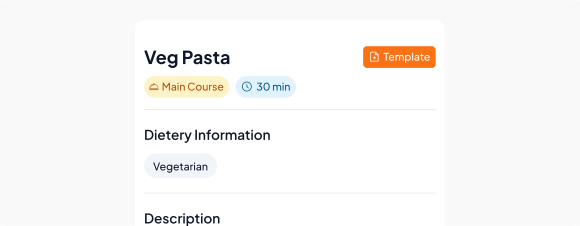
Build your menu structure
Create categories and add all your items with names, prices, and descriptions.
Menu Items
∞
add unlimited items
2
Publish to all channels
Your menu appears across QR ordering, POS billing, and kitchen tickets automatically.
3
Update anytime
Change a price, add a daily special, or mark an item sold out — changes go live instantly.
Create categories like starters,…Add item names, descriptions,…Mark items as available…
What's included
- Create categories like starters, mains, beverages, and desserts
- Add item names, descriptions, prices, and photos
- Mark items as available or sold out in real time
- Update prices without disrupting ongoing service
- Organize your menu to match how staff and customers expect it
- Sync menu changes instantly to QR menus and POS billing
